top of page


All Posts
Search


Feb 260 min read


Demand Planning with Microsoft’s Principal Program Manager, Anders Girke
In this video, Anders shares practical, real‑world insights on demand planning, AI‑driven forecasting, and how Copilot is transforming modern supply chains. Drawing from deep product expertise and hands‑on customer engagement, he highlights how organizations can move beyond reactive planning toward smarter, more resilient, and data‑driven decision‑making.
Feb 251 min read
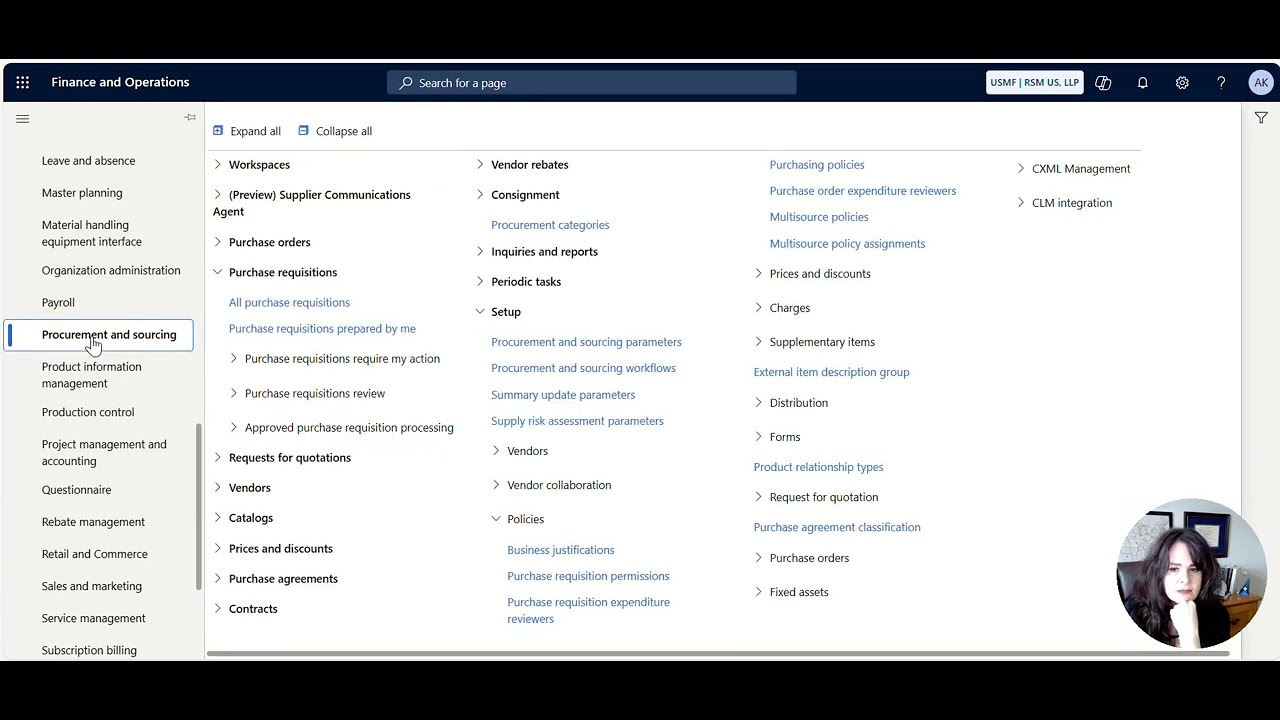
How to control which procurement categories a user can see when creating a Purchase Requisition
control which procurement categories a user can see when creating a Purchase Requisition
Feb 172 min read

How to approve a D365 F&SC record like Pending Vendor Invoice from Teams
How to approve a D365 F&SC record like Pending Vendor Invoice from Teams
Feb 160 min read

Subscription Billing - How to Create a Billing Schedule and a Deferral Schedule
Subscription Billing - How to Create a Billing Schedule and a Deferral Schedule
Feb 160 min read

How to auto-split and bill multiple funding sources on a Project Invoice based on the Project Contract Funding Rules
How to auto-split and bill multiple funding sources on a Project Invoice based on the Project Contract Funding Rules
Feb 160 min read

How to Prebill (on-account) and recognize revenue by creating a zero dollar invoice for a Project
How to Prebill (on-account) and recognize revenue by creating a zero dollar invoice for a Project
Feb 160 min read
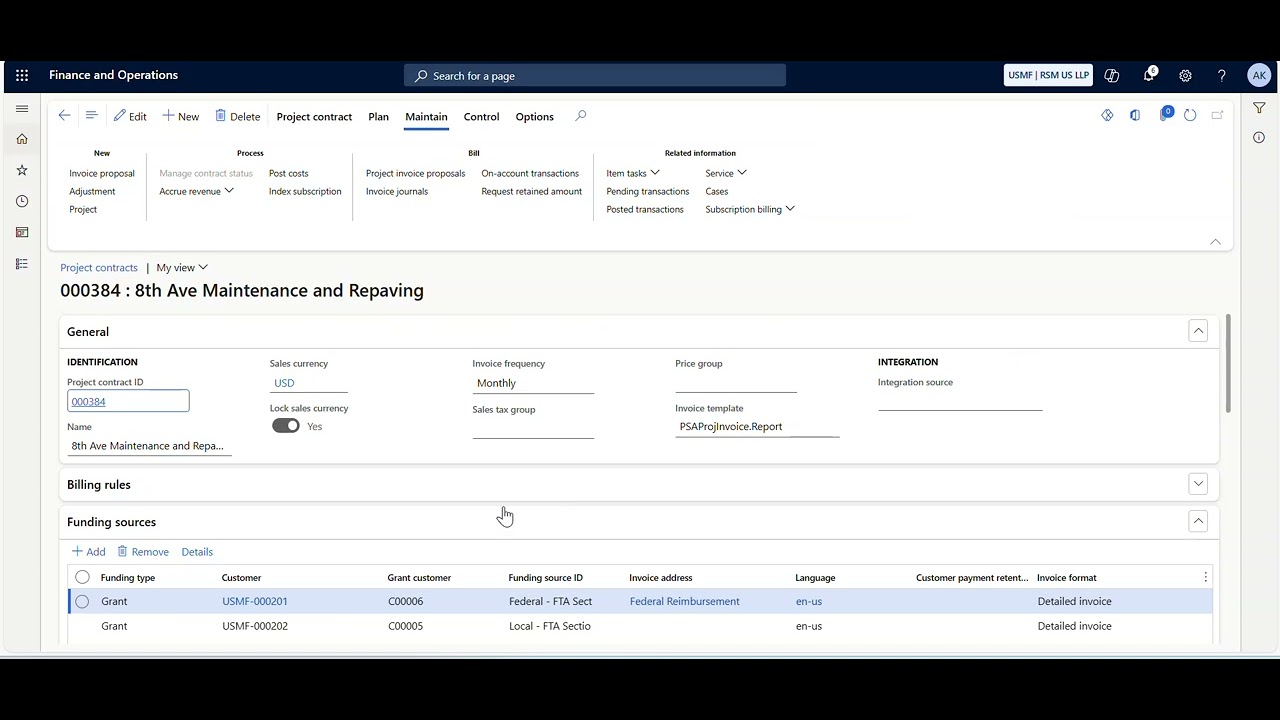
How Grants, Project Contracts, and Projects are related
How Grants, Project Contracts, and Projects are related
Feb 160 min read
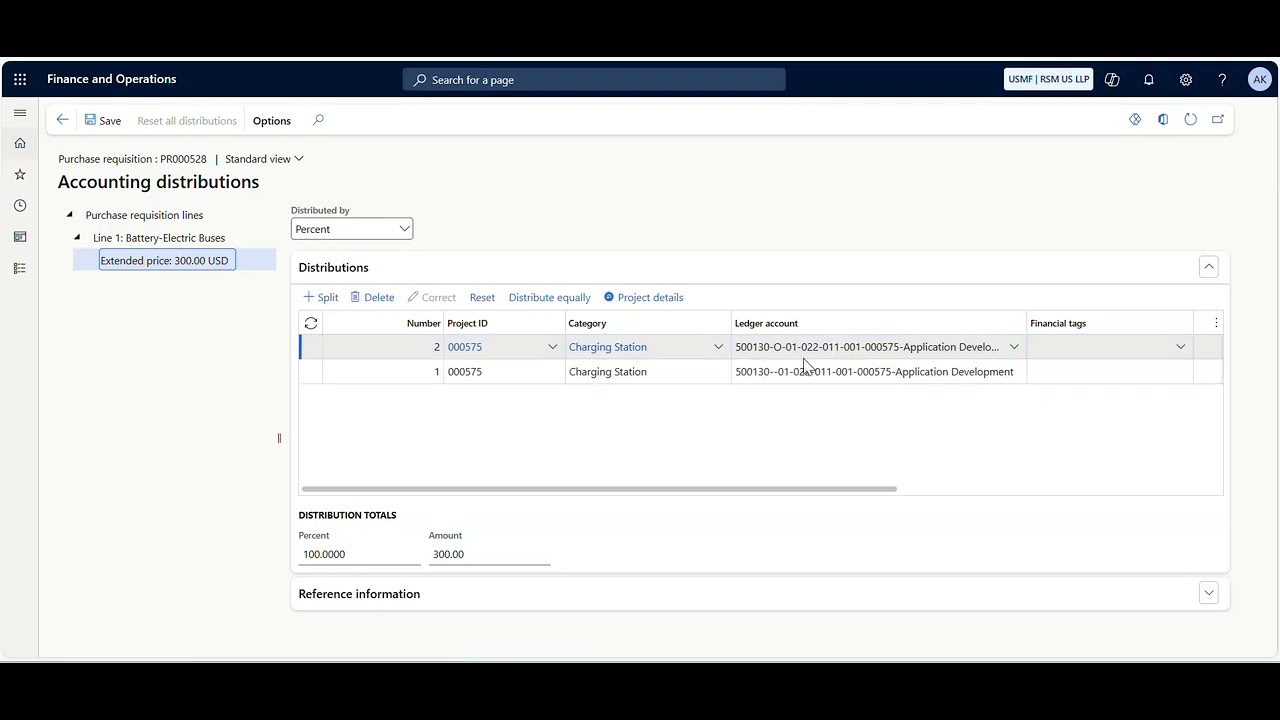
How to split a Project Cost across multiple Funds (or Financial Dimension)
How to split a Project Cost across multiple Funds (or Financial Dimension)
Feb 160 min read
bottom of page