top of page


All Posts
Search
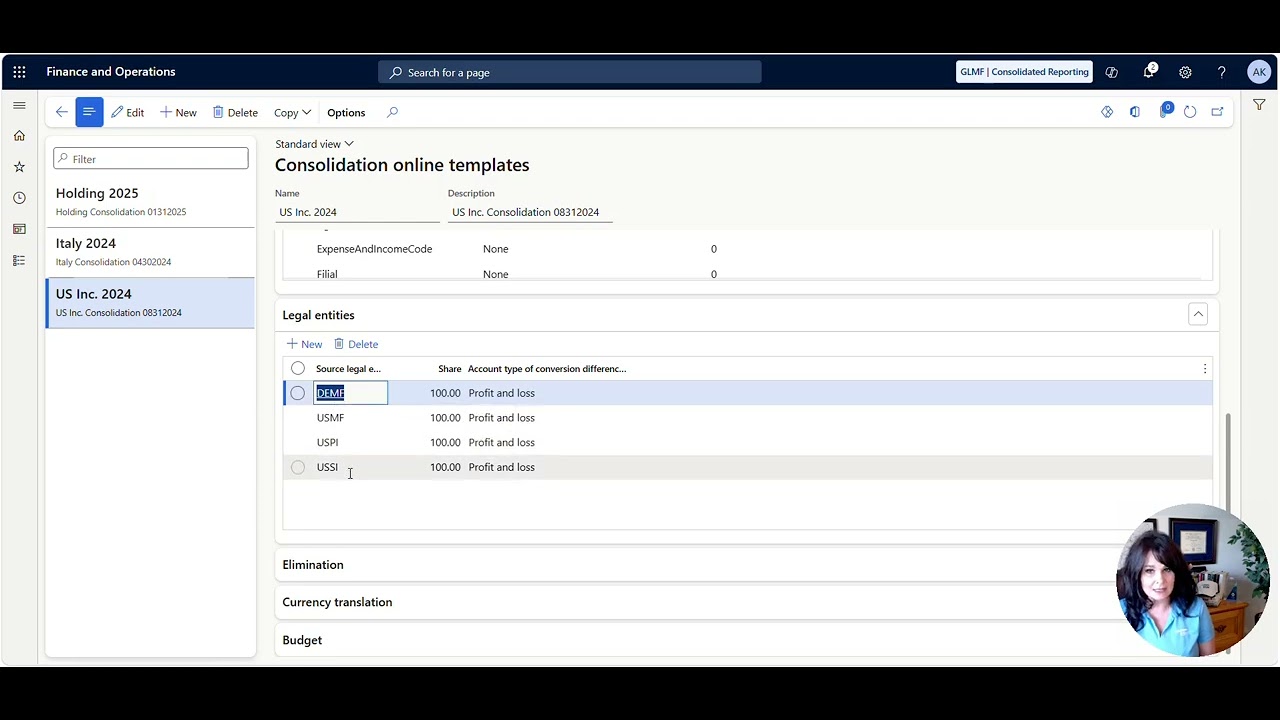
Overview of Eliminations and Consolidations
Tip of the Day: What to see an overview of Consolidations and Eliminations in Dynamics 365 Finance and Supply Chain Management? Check out the video below.
Sep 141 min read

How to do Intercompany General Journals
Thought of the Day: "When you start a new trail equipped with courage, strength, and conviction, the only thing that can stop you is you." - Ruby Bridges, an American civil rights activist who, at age six in 1960, became the first African American child to attend the all‑white school Tip of the Day: How do intercompany General Journals in Dynamics 365 Finance and Supply Chain Management? Check out the video below to see how it is done. Until next time, keep your head in t
Sep 141 min read

How to setup Centralized Vendor Payments
Want to setup centralized vendor payments in Dynamics 365 Finance and Supply Chain Management?
Aug 201 min read
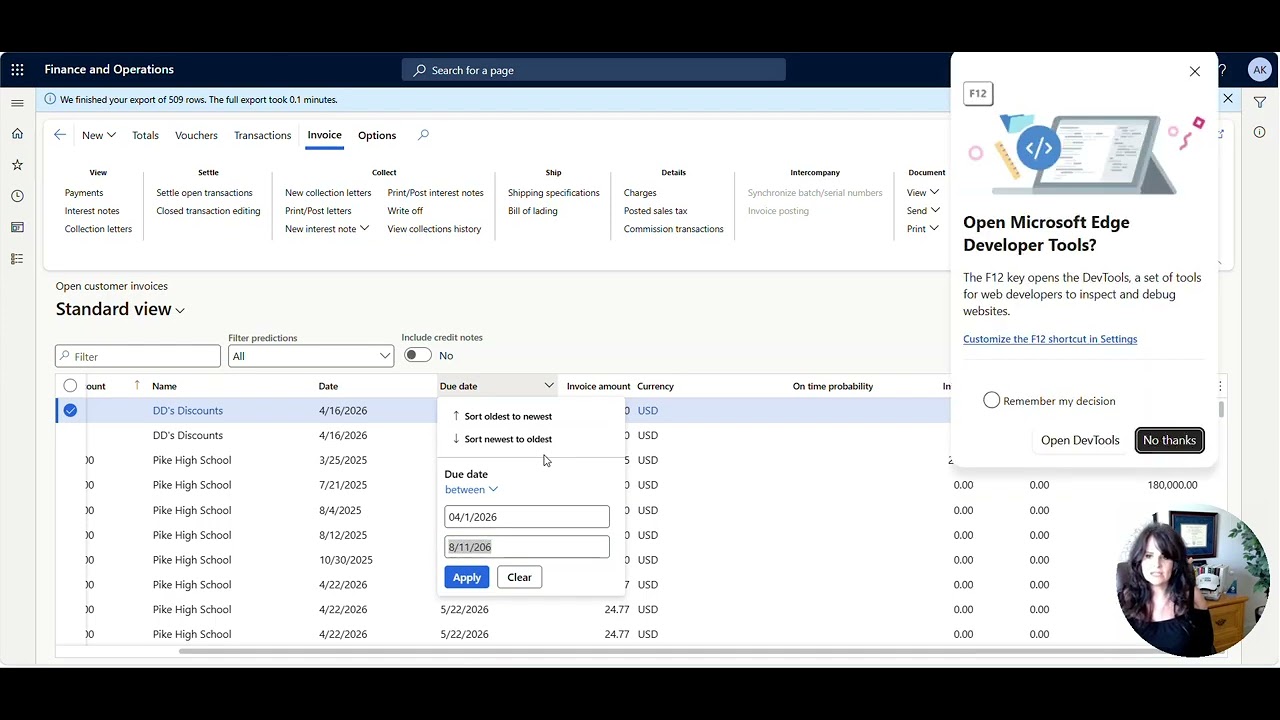
Need to write off low-value or aging customer invoices all at once?
Need to write off low-value or aging customer invoices in Dynamics 365 Finance and Supply Chain Management?
Aug 111 min read

How do I know if my FIFO value is correct?
Wondering where FIFO costing values come from? This post explains how Microsoft Dynamics 365 Finance and Supply Chain calculates FIFO cost and removes the guesswork. Watch the video below for details.
Aug 51 min read


Demand Planning with Microsoft’s Principal Program Manager, Anders Girke
In this video, Anders shares practical, real‑world insights on demand planning, AI‑driven forecasting, and how Copilot is transforming modern supply chains. Drawing from deep product expertise and hands‑on customer engagement, he highlights how organizations can move beyond reactive planning toward smarter, more resilient, and data‑driven decision‑making.
Feb 251 min read
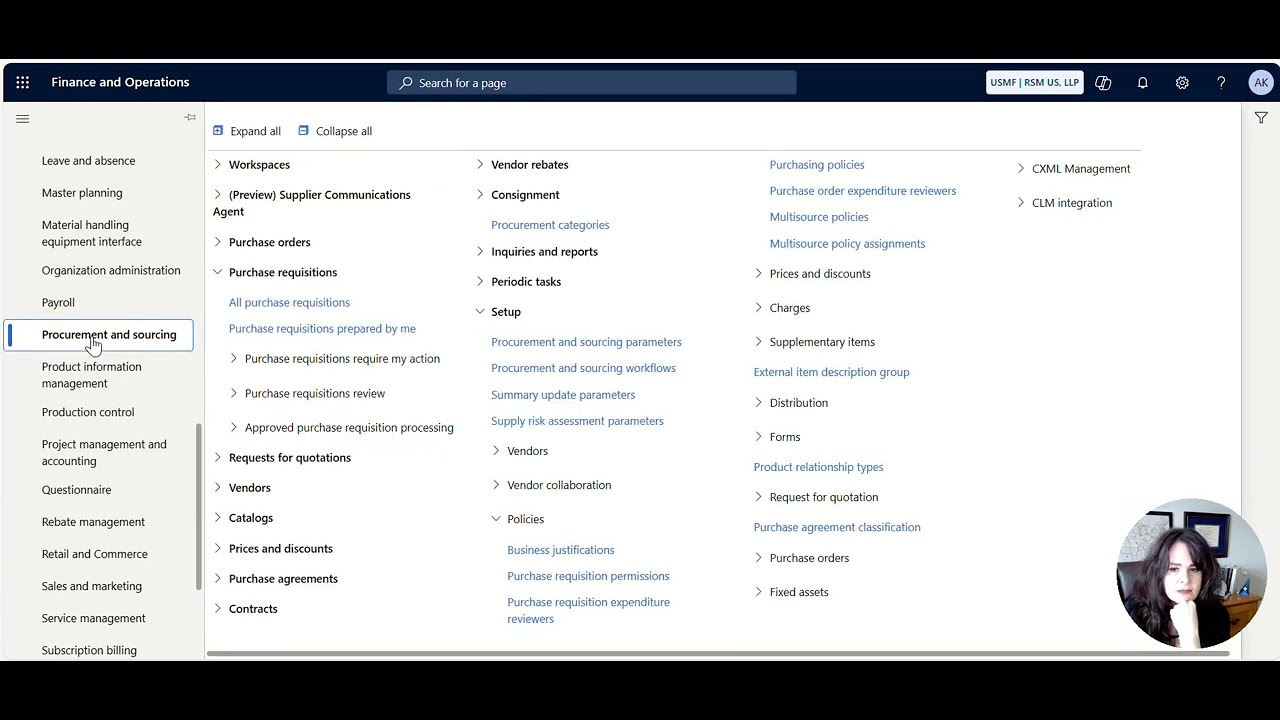
How to control which procurement categories a user can see when creating a Purchase Requisition
control which procurement categories a user can see when creating a Purchase Requisition
Feb 172 min read

How to approve a D365 F&SC record like Pending Vendor Invoice from Teams
How to approve a D365 F&SC record like Pending Vendor Invoice from Teams
Feb 160 min read

Subscription Billing - How to Create a Billing Schedule and a Deferral Schedule
Subscription Billing - How to Create a Billing Schedule and a Deferral Schedule
Feb 160 min read

How to auto-split and bill multiple funding sources on a Project Invoice based on the Project Contract Funding Rules
How to auto-split and bill multiple funding sources on a Project Invoice based on the Project Contract Funding Rules
Feb 160 min read

How to Prebill (on-account) and recognize revenue by creating a zero dollar invoice for a Project
How to Prebill (on-account) and recognize revenue by creating a zero dollar invoice for a Project
Feb 160 min read
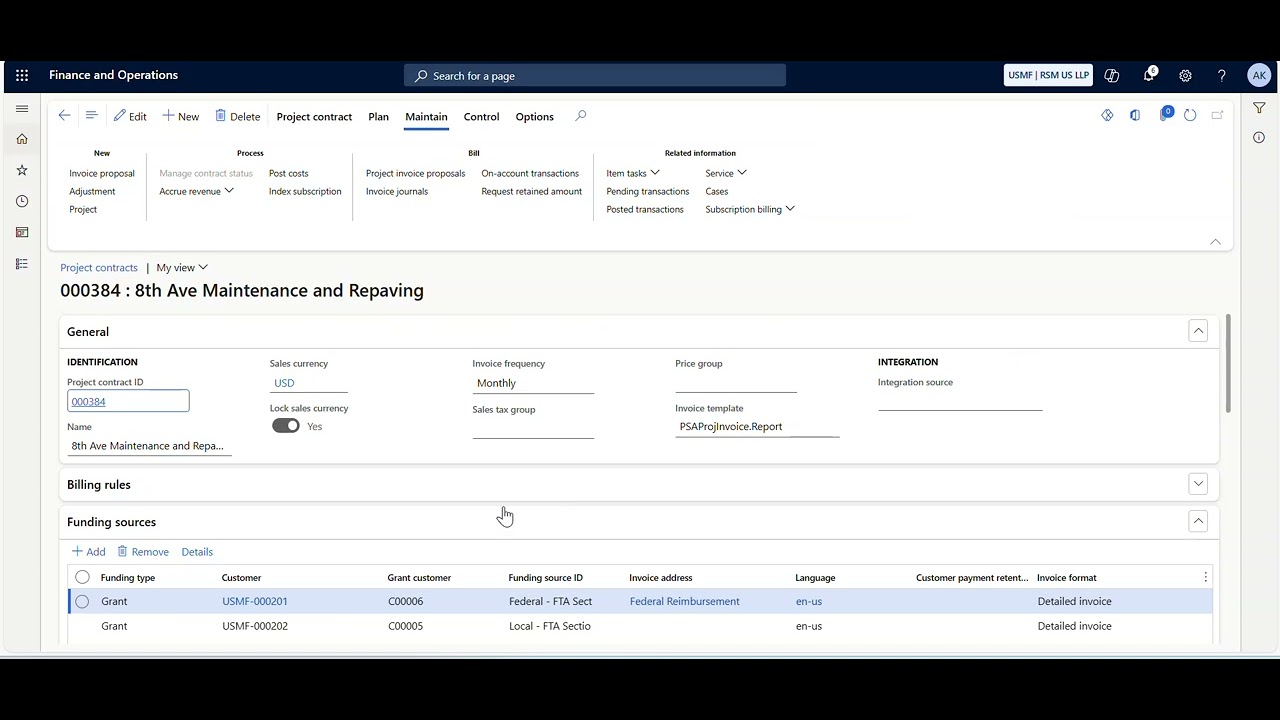
How Grants, Project Contracts, and Projects are related
How Grants, Project Contracts, and Projects are related
Feb 160 min read
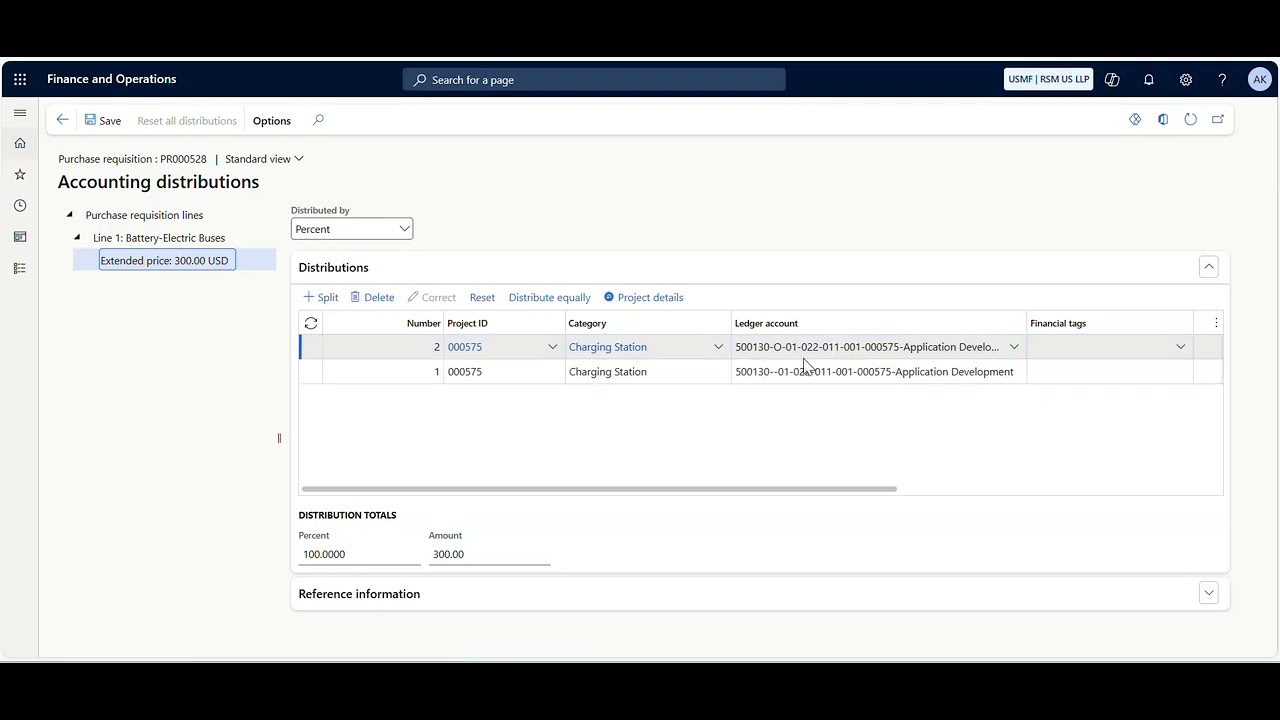
How to split a Project Cost across multiple Funds (or Financial Dimension)
How to split a Project Cost across multiple Funds (or Financial Dimension)
Feb 160 min read

How to print a copy of a vendor check and see what was paid to the vendor on that specific payment
How to print a copy of a vendor check and see what was paid to the vendor on that specific payment
Feb 160 min read

How to create Indirect Charges and Split Revenue on a Project Invoice using Indirect Cost Rules
How to create Indirect Charges and Split Revenue on a Project Invoice using Indirect Cost Rules
Feb 160 min read

How to see which Purchase Orders have been created for a specific Purchase Agreement Line
How to see which Purchase Orders have been created for a specific Purchase Agreement Line
Feb 160 min read
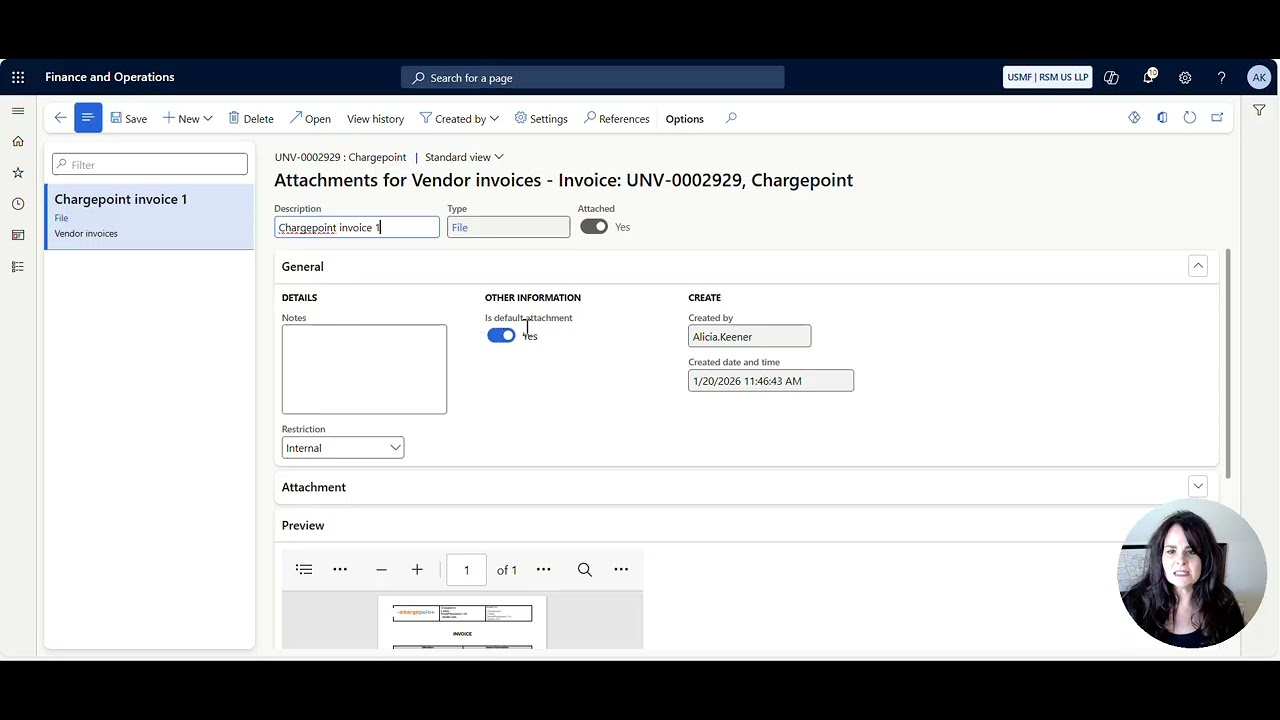
Pending Vendor Invoice Split Screen Attachment View
Pending Vendor Invoice Split Screen Attachment View
Feb 160 min read

How to import and update General Journal Lines from Excel
How to import and update General Journal Lines from Excel
Feb 160 min read


How to View a Table in D365FO
To see the raw data table in D365FO, do the following. . . Install the Chrome Extension in your browser To add the Chrome extension https://chrome.google.com/webstore/detail/table-browser-caller-for/khhnlfooiiffofchhdhjopgpegcjlodk How to determine the table name There are multiple ways to see the table name. Some tables are easy, and some are more difficult to figure out. Form Name Sometimes the Form Name and the table name are the same. To get the record info, right-cl
Feb 161 min read

Microsoft Project Operations Approvals Agent with Microsoft's Angelo Briccetti
The Approvals Agent in Dynamics 365 Project Operations is an AI‑powered assistant (built using Microsoft Copilot Studio) that helps streamline and automate the review of time, expense, and material submissions before they reach project managers.
Feb 32 min read
bottom of page