top of page


All Posts
Search
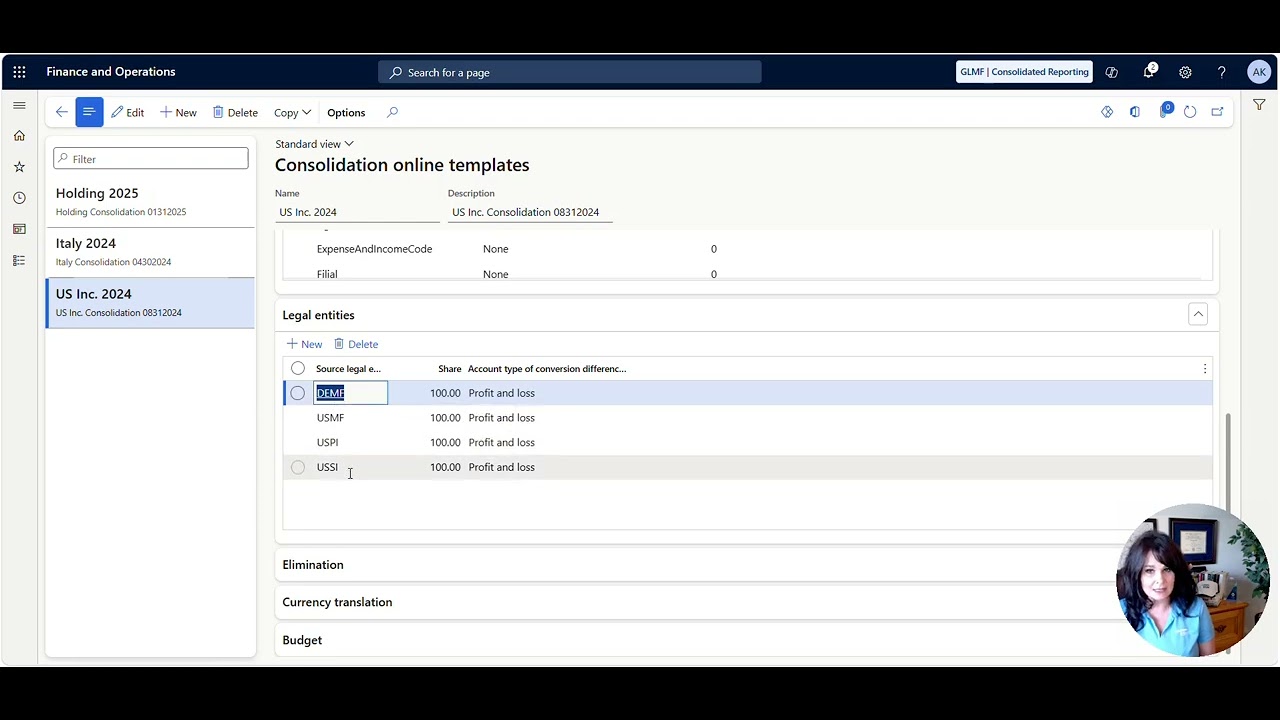
Overview of Eliminations and Consolidations
Tip of the Day: What to see an overview of Consolidations and Eliminations in Dynamics 365 Finance and Supply Chain Management? Check out the video below.
Sep 141 min read

How to setup Centralized Vendor Payments
Want to setup centralized vendor payments in Dynamics 365 Finance and Supply Chain Management?
Aug 201 min read
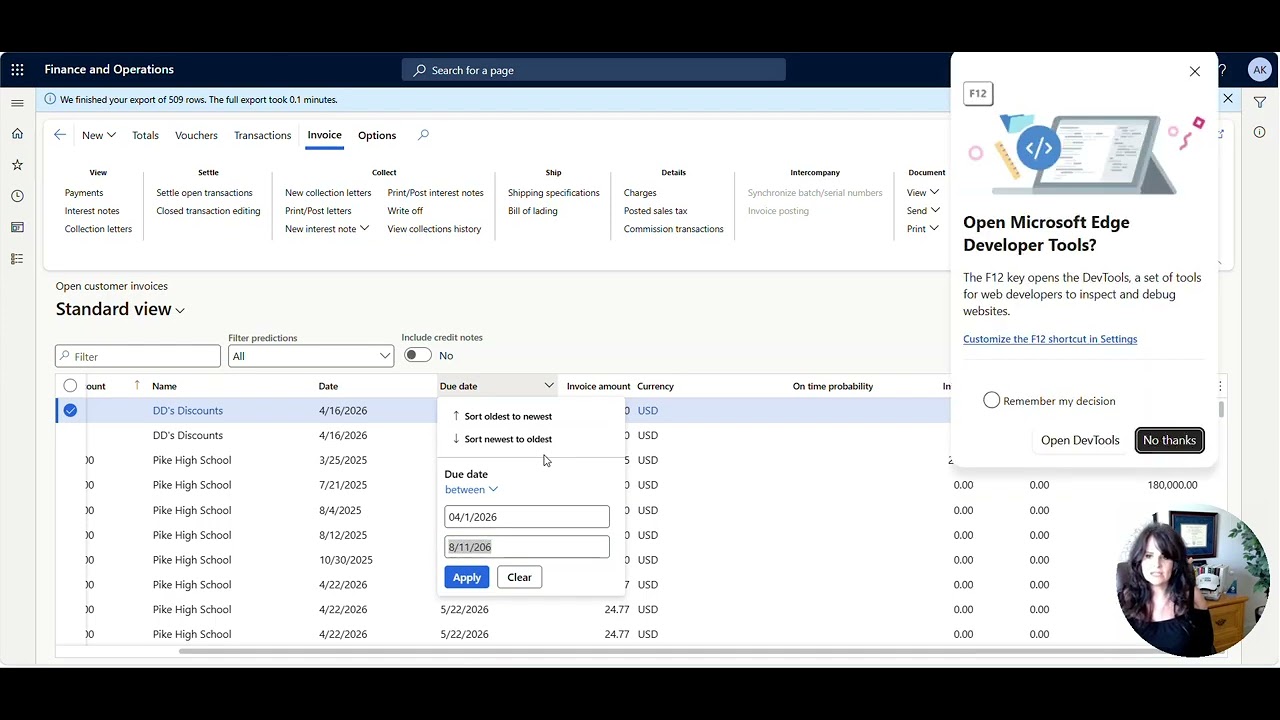
Need to write off low-value or aging customer invoices all at once?
Need to write off low-value or aging customer invoices in Dynamics 365 Finance and Supply Chain Management?
Aug 111 min read

How do I know if my FIFO value is correct?
Wondering where FIFO costing values come from? This post explains how Microsoft Dynamics 365 Finance and Supply Chain calculates FIFO cost and removes the guesswork. Watch the video below for details.
Aug 51 min read


Demand Planning with Microsoft’s Principal Program Manager, Anders Girke
In this video, Anders shares practical, real‑world insights on demand planning, AI‑driven forecasting, and how Copilot is transforming modern supply chains. Drawing from deep product expertise and hands‑on customer engagement, he highlights how organizations can move beyond reactive planning toward smarter, more resilient, and data‑driven decision‑making.
Feb 251 min read
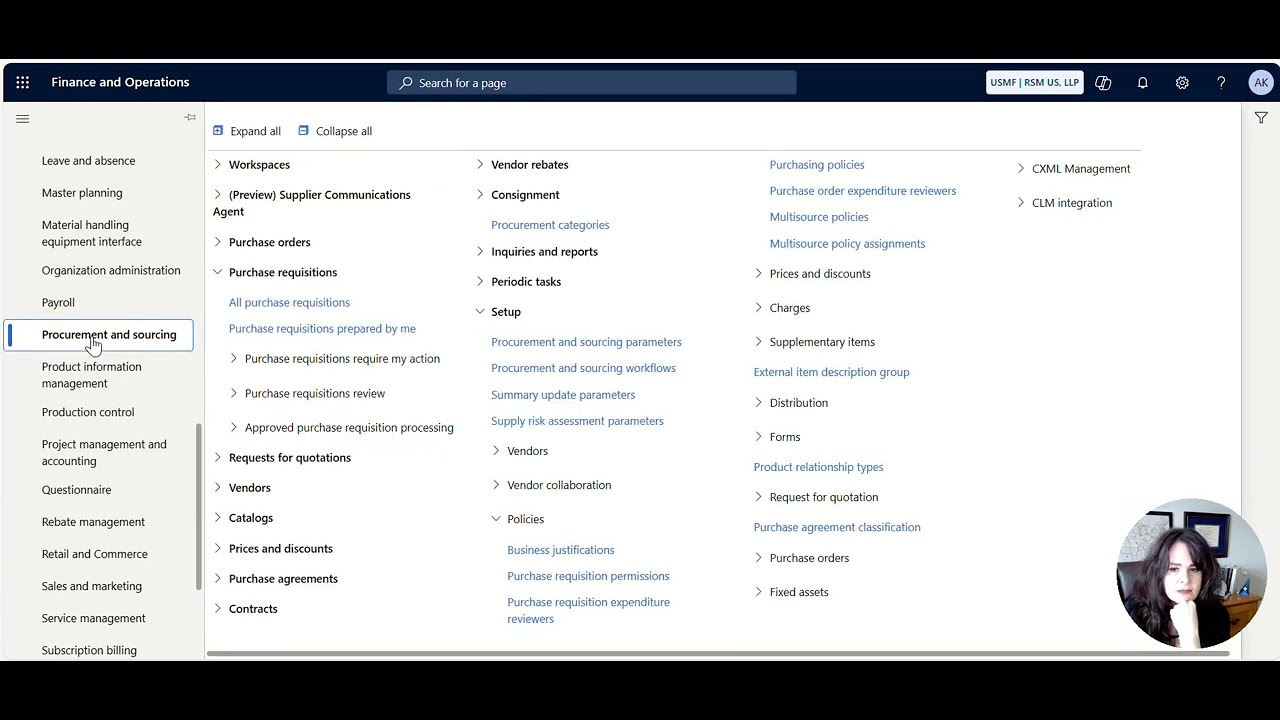
How to control which procurement categories a user can see when creating a Purchase Requisition
control which procurement categories a user can see when creating a Purchase Requisition
Feb 172 min read

How to auto-split and bill multiple funding sources on a Project Invoice based on the Project Contract Funding Rules
How to auto-split and bill multiple funding sources on a Project Invoice based on the Project Contract Funding Rules
Feb 160 min read

How to Prebill (on-account) and recognize revenue by creating a zero dollar invoice for a Project
How to Prebill (on-account) and recognize revenue by creating a zero dollar invoice for a Project
Feb 160 min read
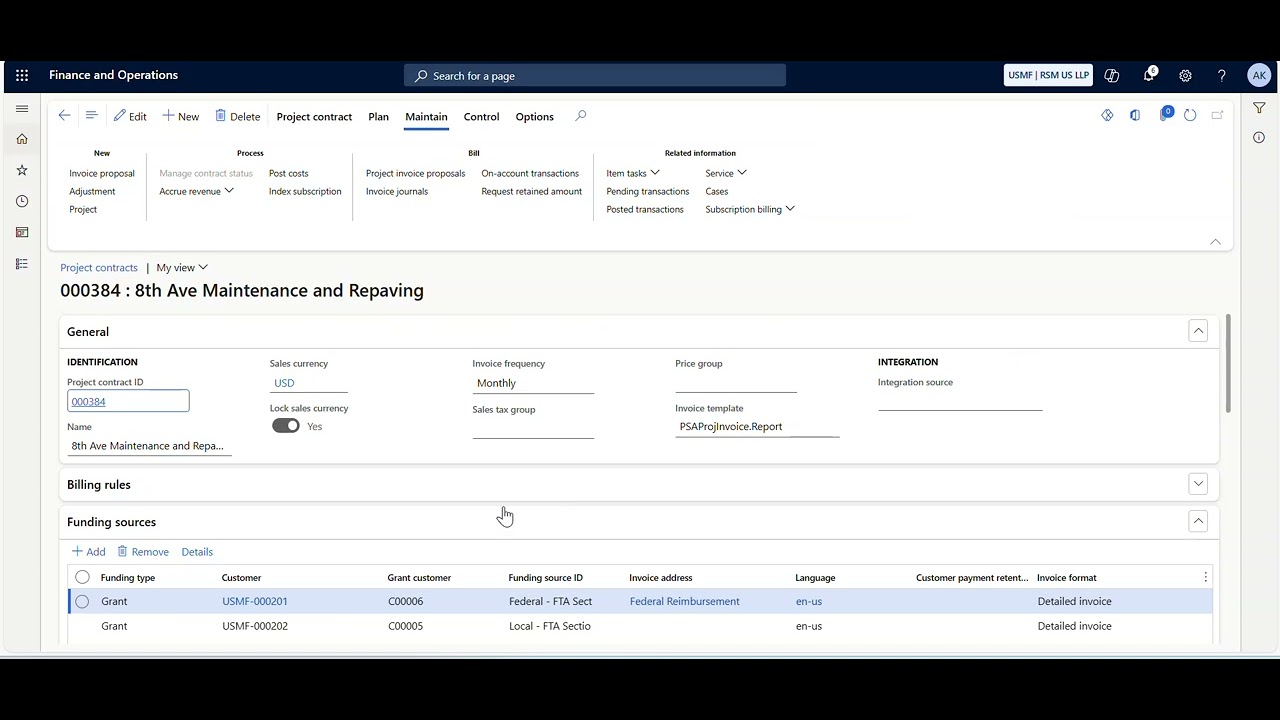
How Grants, Project Contracts, and Projects are related
How Grants, Project Contracts, and Projects are related
Feb 160 min read
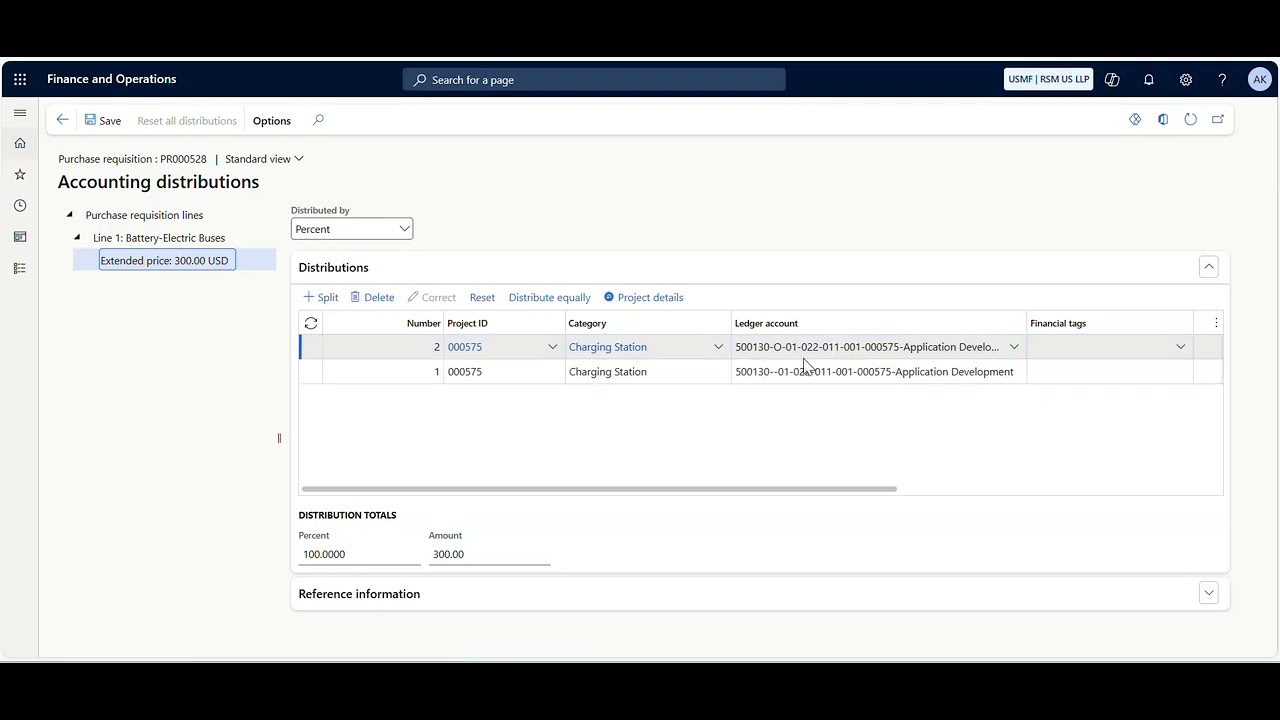
How to split a Project Cost across multiple Funds (or Financial Dimension)
How to split a Project Cost across multiple Funds (or Financial Dimension)
Feb 160 min read

How to print a copy of a vendor check and see what was paid to the vendor on that specific payment
How to print a copy of a vendor check and see what was paid to the vendor on that specific payment
Feb 160 min read

How to create Indirect Charges and Split Revenue on a Project Invoice using Indirect Cost Rules
How to create Indirect Charges and Split Revenue on a Project Invoice using Indirect Cost Rules
Feb 160 min read

How to see which Purchase Orders have been created for a specific Purchase Agreement Line
How to see which Purchase Orders have been created for a specific Purchase Agreement Line
Feb 160 min read
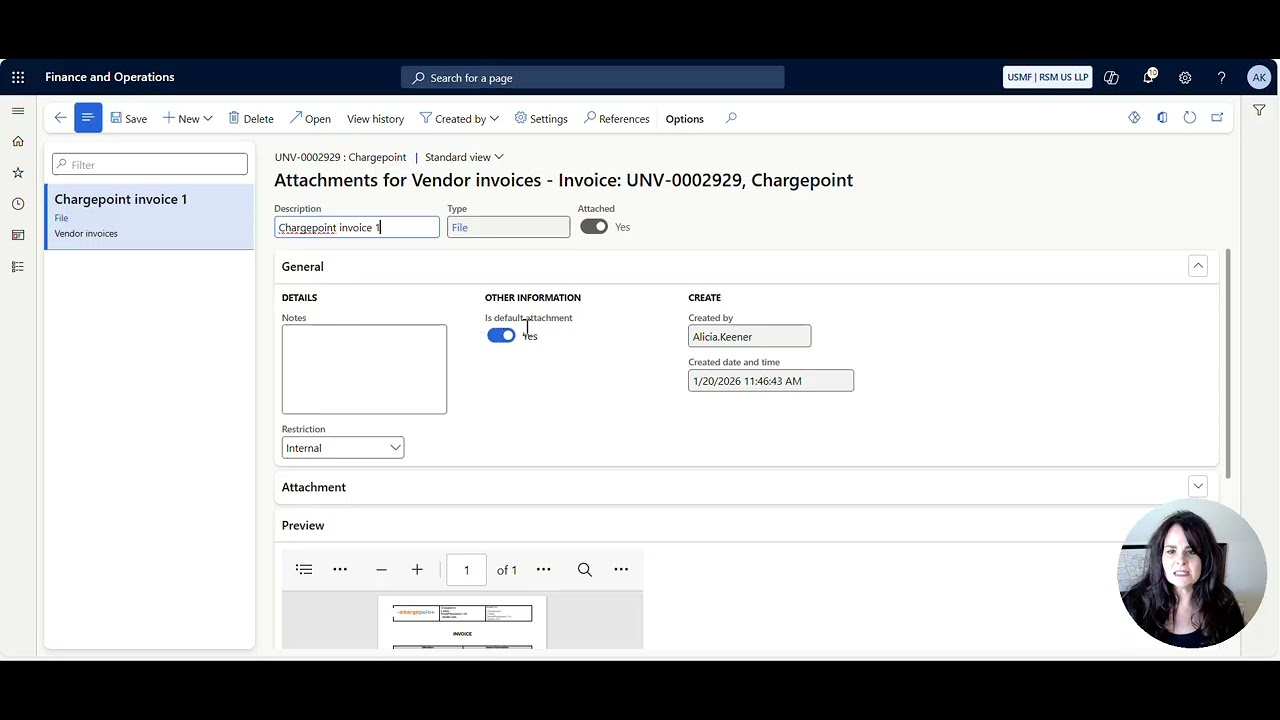
Pending Vendor Invoice Split Screen Attachment View
Pending Vendor Invoice Split Screen Attachment View
Feb 160 min read

How to import and update General Journal Lines from Excel
How to import and update General Journal Lines from Excel
Feb 160 min read


How to View a Table in D365FO
To see the raw data table in D365FO, do the following. . . Install the Chrome Extension in your browser To add the Chrome extension https://chrome.google.com/webstore/detail/table-browser-caller-for/khhnlfooiiffofchhdhjopgpegcjlodk How to determine the table name There are multiple ways to see the table name. Some tables are easy, and some are more difficult to figure out. Form Name Sometimes the Form Name and the table name are the same. To get the record info, right-cl
Feb 161 min read

Microsoft Project Operations Approvals Agent with Microsoft's Angelo Briccetti
The Approvals Agent in Dynamics 365 Project Operations is an AI‑powered assistant (built using Microsoft Copilot Studio) that helps streamline and automate the review of time, expense, and material submissions before they reach project managers.
Feb 32 min read

Exploring the Expense Agent with Microsoft's Ajit Chandran
The Expense Agent is an AI powered capability in Dynamics 365 that automates key steps in expense management—saving employees time and improving reporting accuracy. It analyzes receipts, extracts details, auto matches them with transactions, and can itemize complex receipts such as hotel stays. The agent can also generate expense reports on a scheduled basis and surface them to users for quick review and submission through Microsoft Teams or finance and operations apps.
Jan 212 min read
How to setup up the Expense Agent with Microsoft's Ajit Chandran
In simple terms, the Expense Agent Install Wizard is a guided, one‑stop wizard that helps you set up add‑on agents quickly and consistently—significantly reducing the time and effort required to get started. What was previously a complex, multi‑step deployment is now fully streamlined into a single, easy‑to‑follow flow.
Jan 192 min read

Supplier Communications Agent with Microsoft’s Senior Product Manager, Beatriz Nebot Garcia
The Supplier Communications Agent is designed to tackle one of procurement’s biggest headaches: the constant flood of supplier emails.
If your procurement team spends hours chasing supplier confirmations, sorting through emails, or updating purchase orders, this feature is about to change everything. Microsoft’s new agent uses AI to read supplier emails, understand what they mean, match them to the right purchase orders, and even automate follow‑ups freeing teams from repe
Jan 152 min read
bottom of page